Designed specifically for the online survey needs of market researchers.
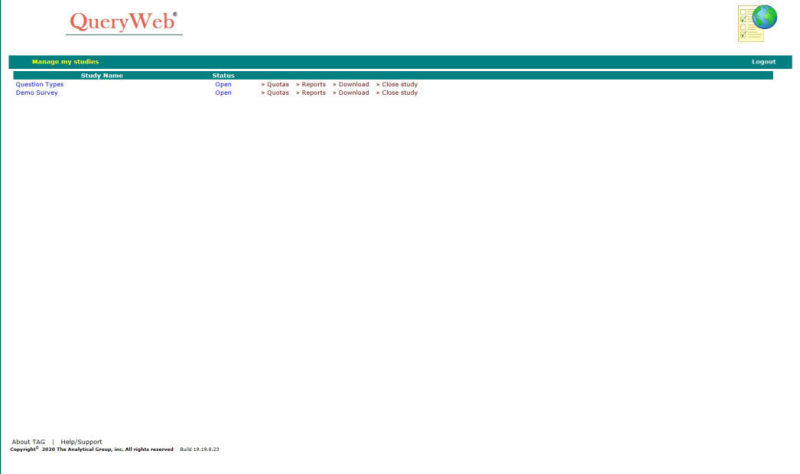
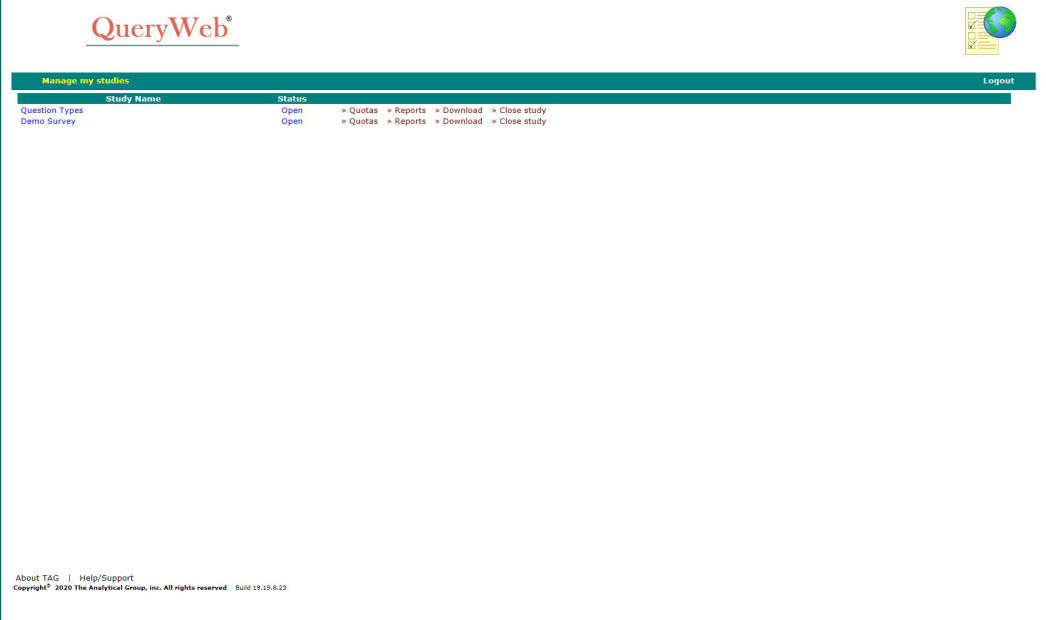
QueryWeb is the ideal hosted solution for completing convenience polls, as well as complex online studies. QueryWeb includes all the tools needed for your research project in an easy-to-use interface. Studies are web-enabled within minutes using QueryWeb Designer! QueryWeb provides secure online hosted study management, allowing you to track quotas, run reports and control the progress of your study in real-time.
You can easily modify the look and feel of your questionnaire and add pictures, videos, and links to your online study.
Upload QueryWeb studies to our secure server for data collection.
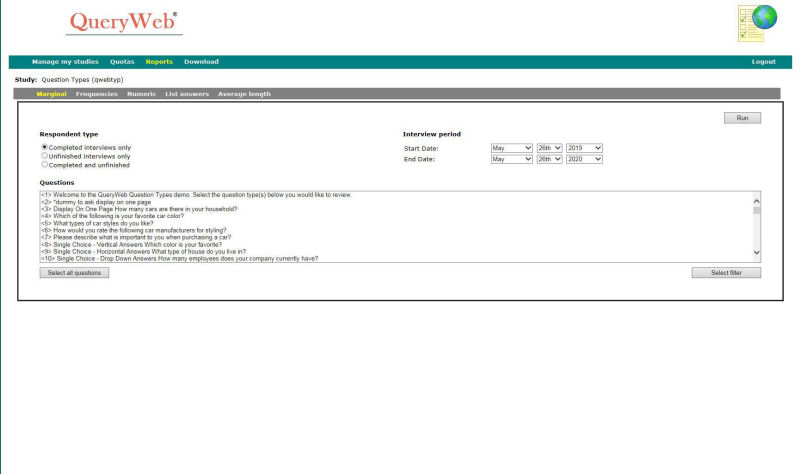
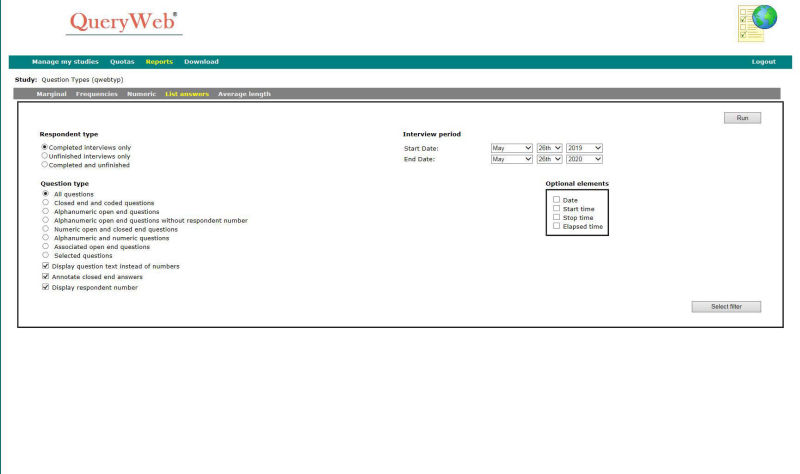
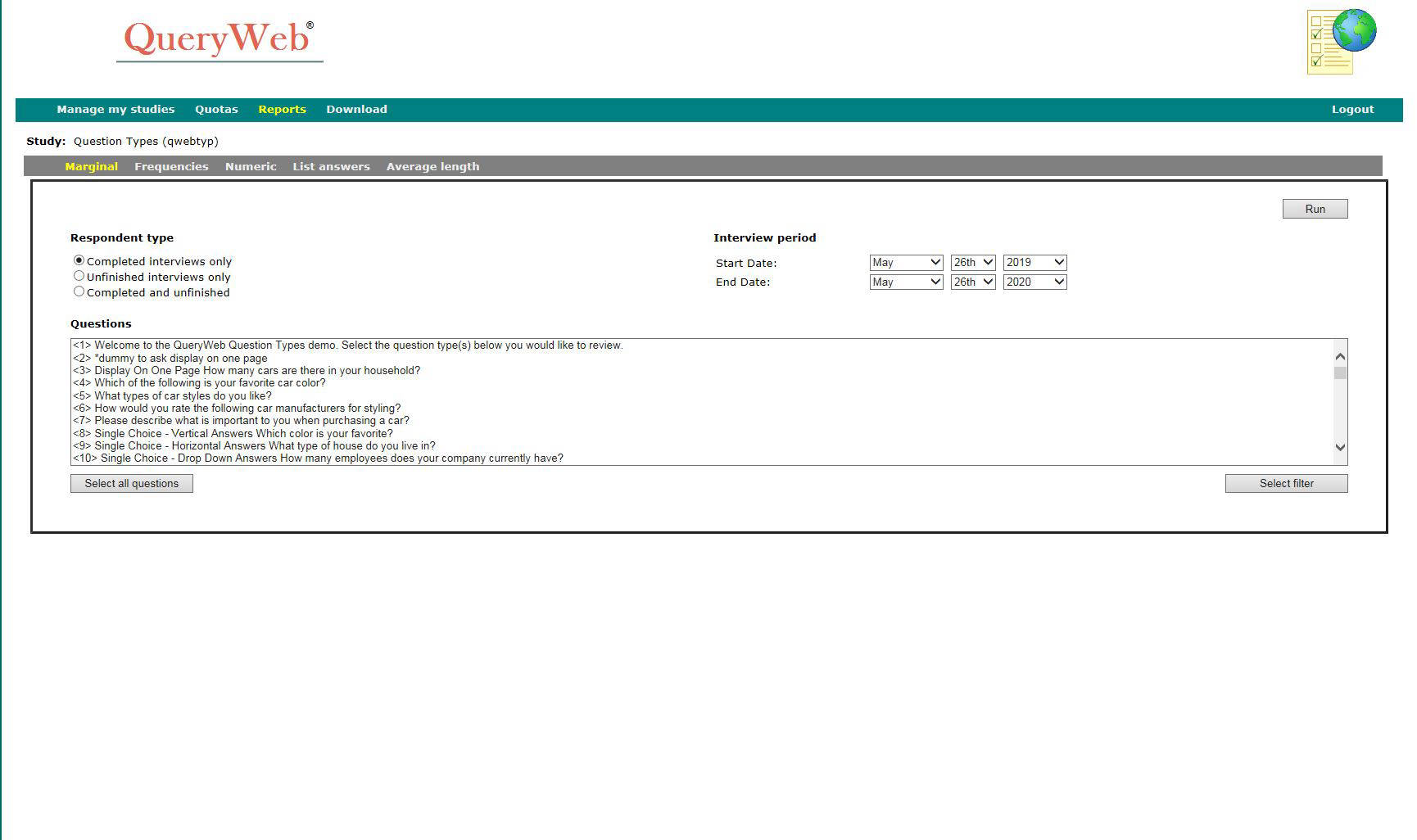
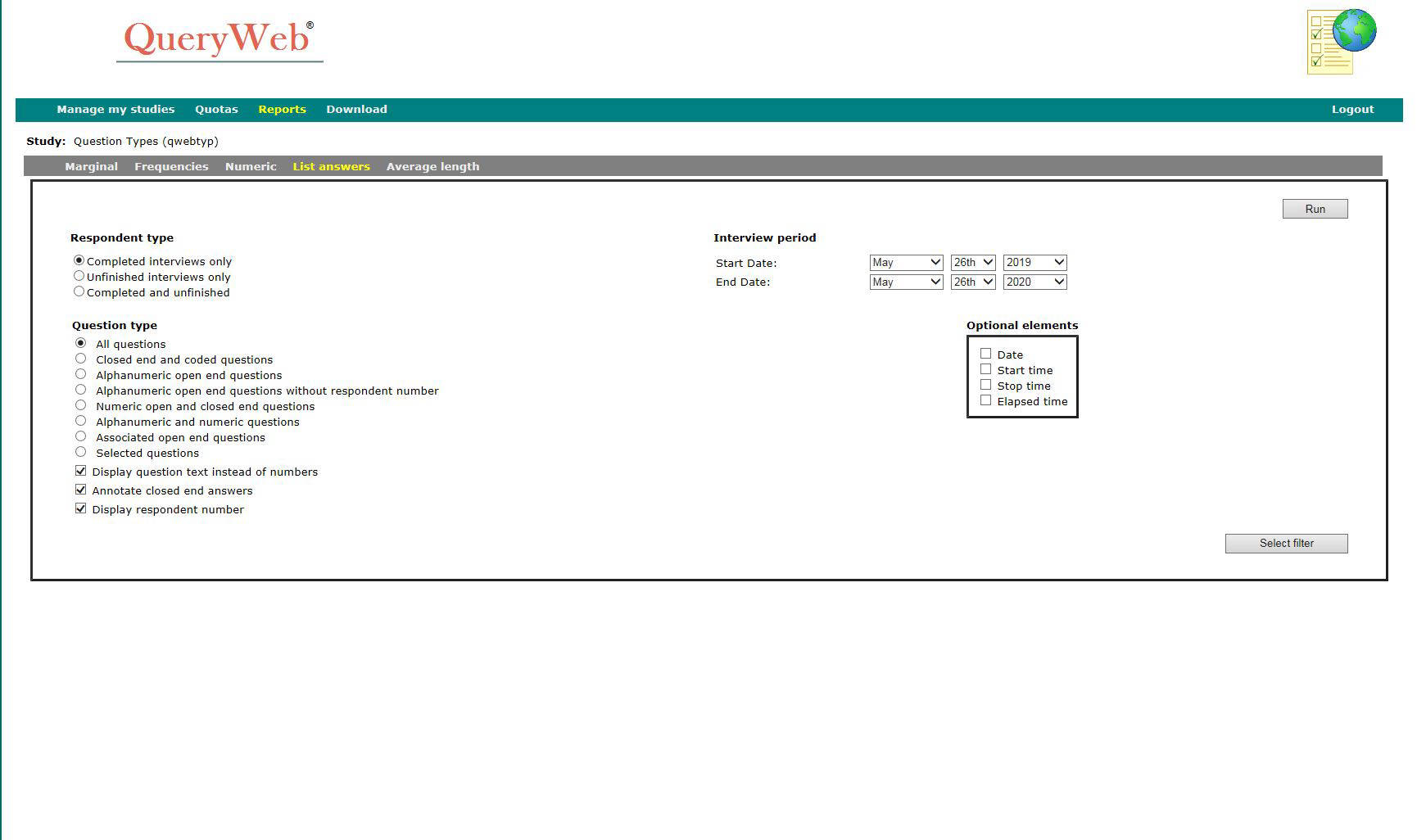
Use our secure server to review sample and view quotas in realtime. Data analysis tools can run marginals, frequencies, numeric progressions and list verbatim responses.
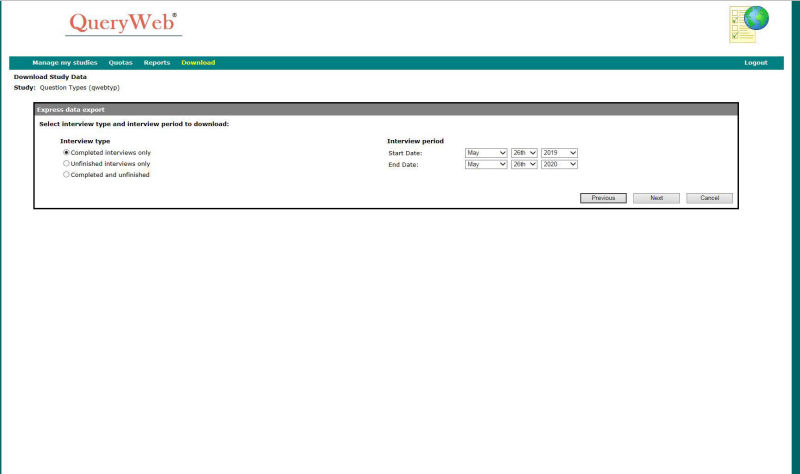
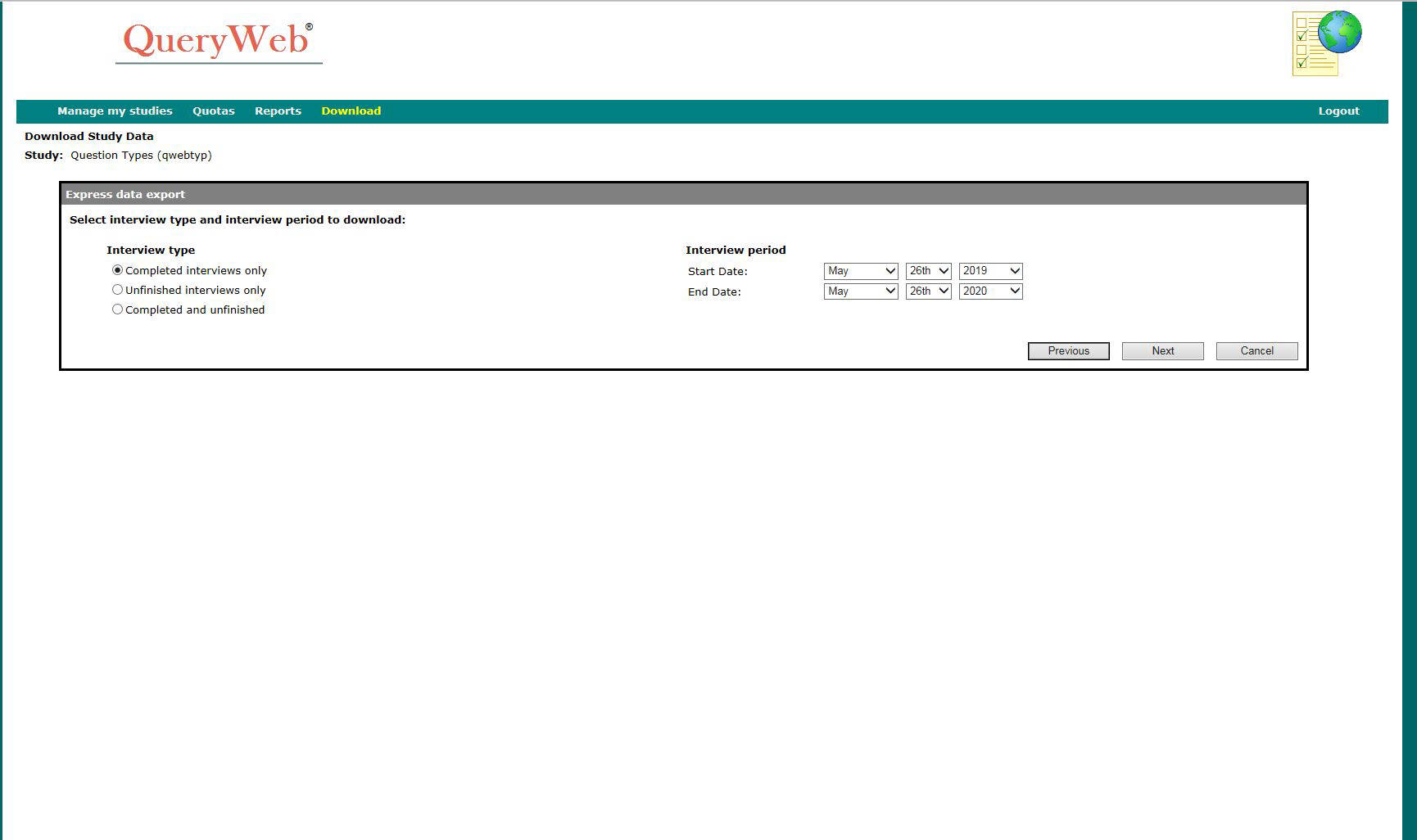
Download data as WinQuery batches, or export to .SAV file format.
WinQuery studies are web-enabled within minutes using QueryWeb Designer!
Using our secure online study management tools, you can view quotas, run real-time reports, track progress and download your study data.
Includes data analysis tools for running marginals, frequencies, numeric progressions and listing verbatim responses.
Management tools for tracking respondent information and sample status are also included.
Determine carefully whether or not the internet is the best methodology to use for the type of survey you will be conducting and for the audience you are trying to reach. According to the latest industry statistics provided by various sample suppliers, the response rate for consumer panel sample is 10-15% and for business panel sample the average is 3-5%. Some sample suppliers are reporting a response rate for some business to business projects as being as high as 30%. Of course, the questionnaire topic and qualifications for the study will impact the response rate as well.
Try to limit your questionnaire length to no more than 10 minutes. Respondents seem to lose focus when doing a long internet survey. This often results in early termination.
Some features may rely on a respondent having specific software installed on their computer. For example, if you are showing a video, the respondent needs to have the appropriate software installed. In most cases the respondent’s computer will have these programs installed.
TAG requires 48 hours lead time, if you would like TAG to send an email blast with a security database (password protected access to a survey). TAG requires 24 hours lead time, for an open invitation email blast or if you are doing the email blast yourself. We will make every effort to accommodate your emailing schedule. TAG has numerous internet studies running on our website and we monitor the usage. Depending upon the size of the blast, we conduct one email blast per business day. Respondents tend to respond very quickly after the blast so traffic to our website is very high immediately following an email blast. We recommend that no more than 500 emails are sent at a time followed by another group of 500 emails every two hours. (If TAG is doing the email blast, this is still considered one blast for pricing purposes.)
Respondents may not be using an internet provider that allows them to click on the link to our website. The email should include instructions for cutting and pasting the website into the address box to access our website. If you are using ‘Cookies’ to keep a respondent from participating in the study more than one time, keep in mind that only respondents that have their computers set to ‘Cookies enabled’ can accept ‘Cookies’.
TAG uses our QueryWeb software for internet interviewing. If a respondent reports trouble completing a survey it is usually an issue with their computer, internet provider, internet browser or internet connection.
Occasionally, our website may not be available as a result of an internet outage. TAG has no control over internet outages. We update our server from time to time. Updates are scheduled in advance. These updates are conducted when monitoring indicates very little activity.
All questionnaire files and data can be downloaded by you. These files will be deleted from our web server ten business days after the study has been taken offline (unless you indicate to us to keep them online longer).